
Integrating Smart Home Technology: A Step-by-Step Installation Guide for Tampa Homes
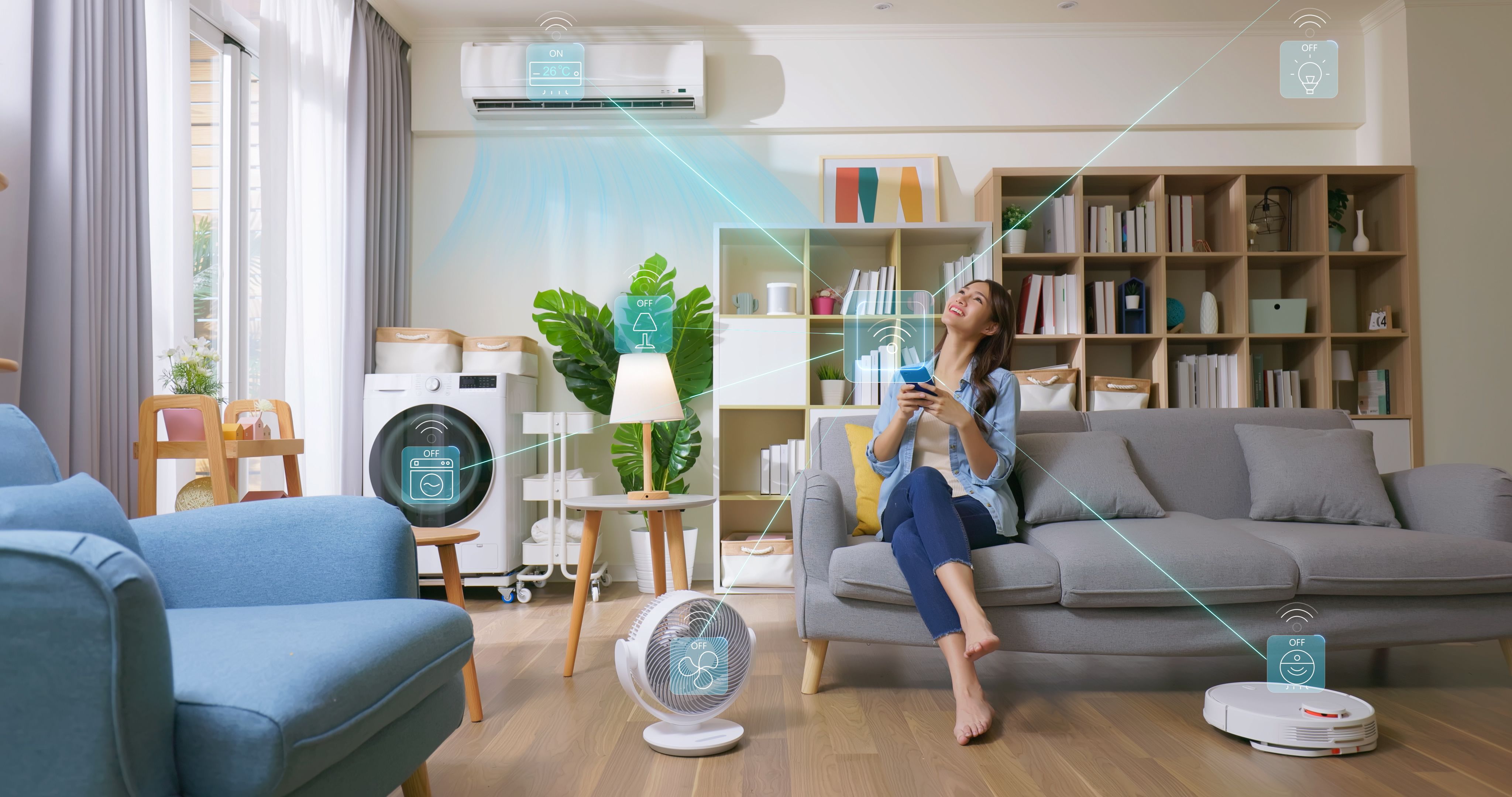
With the ever-evolving landscape of technology, integrating smart home systems has become more accessible and appealing to homeowners in Tampa. Whether you're looking to increase convenience, enhance security, or reduce energy consumption, smart home technology offers a myriad of benefits. This guide will walk you through the steps to seamlessly install smart home devices in your Tampa residence.
Planning Your Smart Home
Before diving into the installation process, it's crucial to plan your smart home setup. Start by identifying the areas of your home that would benefit most from automation. Consider aspects like lighting, security, climate control, and entertainment. Make a list of the devices you want to install and set a budget to ensure a smooth transition.
Selecting Compatible Devices
Choosing the right devices is essential for a cohesive smart home experience. Ensure that the devices you select are compatible with each other and with your existing home network. Popular smart home ecosystems include Amazon Alexa, Google Home, and Apple HomeKit. Opt for devices that can be controlled through a single app or hub for convenience.
Setting Up Your Network
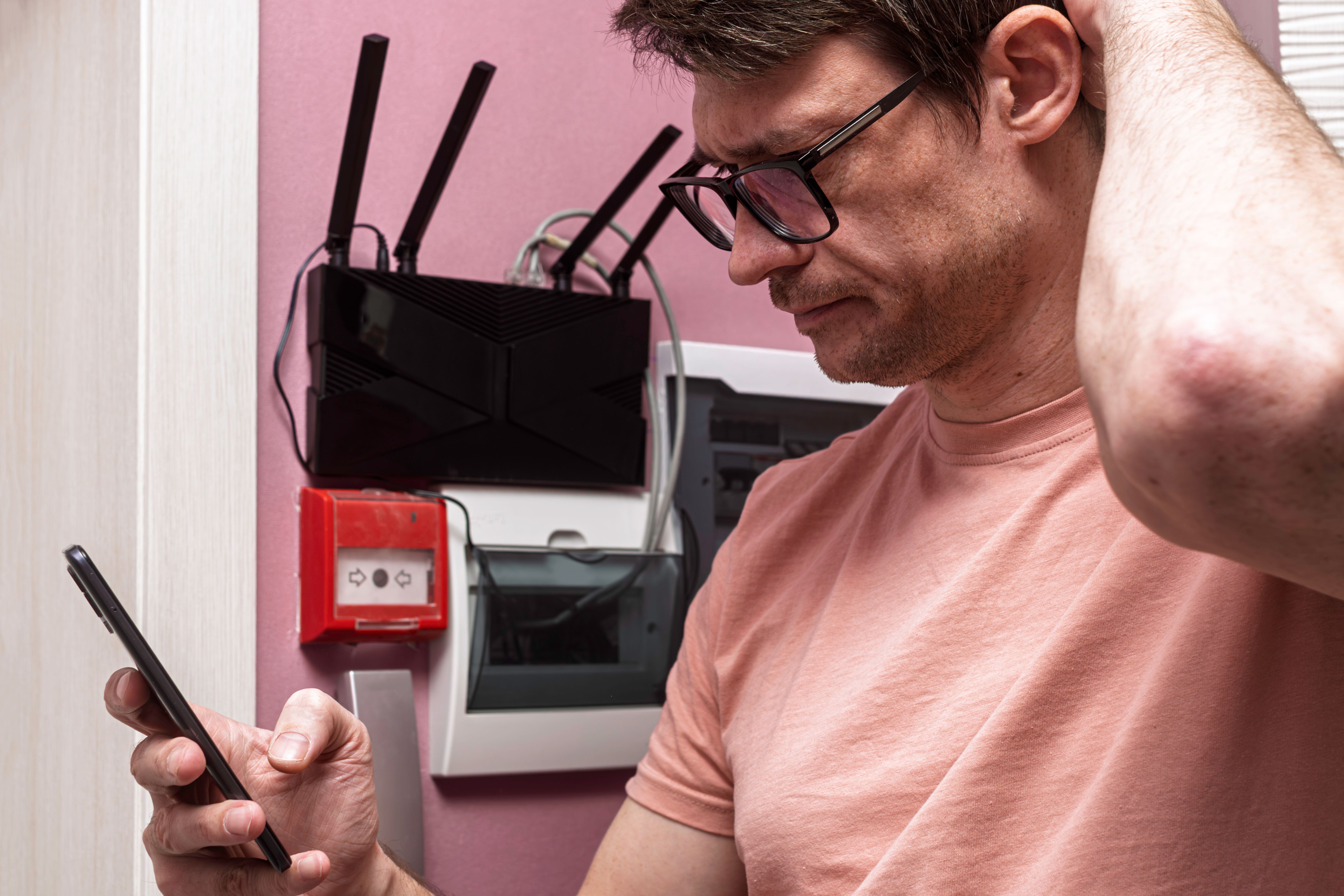
A robust and reliable Wi-Fi network is the backbone of any smart home. Begin by evaluating your current internet speed and coverage. You might need to upgrade your router or install Wi-Fi extenders to cover dead zones. Ensure your network is secure with a strong password to protect your smart home from unauthorized access.
Installing Smart Lighting
Smart lighting is a great starting point for your home automation journey. Begin by replacing traditional light bulbs with smart bulbs in key areas like the living room and kitchen. Most smart bulbs are simple to install and can be controlled via a smartphone app. Consider installing smart switches if you prefer retaining the use of traditional switches.
- Remove the old bulb and screw in the smart bulb.
- Download the corresponding app and follow the instructions for setup.
- Test the lighting to ensure it responds to app commands.
Enhancing Home Security
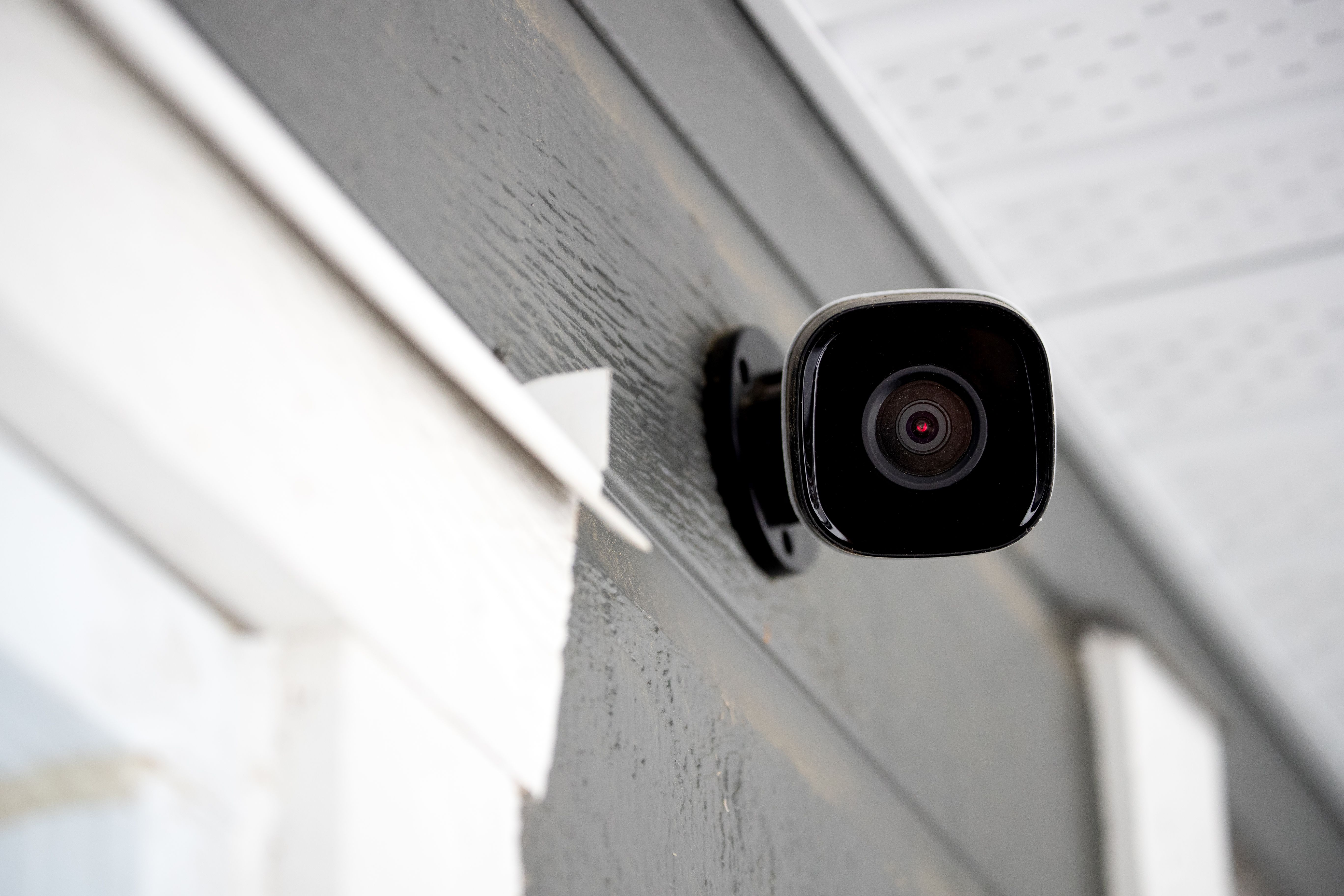
Enhancing your home's security is often a top priority. Start by installing smart locks on your doors, which allow you to lock or unlock them remotely. Video doorbells and security cameras provide additional layers of security by letting you monitor your home from anywhere.
Configuring Climate Control
Smart thermostats offer energy savings and convenience by learning your schedule and adjusting temperatures accordingly. Installation usually involves replacing your existing thermostat and connecting the new one to your Wi-Fi network.
- Turn off power to your current thermostat.
- Remove the old thermostat and mount the smart thermostat.
- Connect it to your Wi-Fi and follow the setup instructions on the app.
Integrating Entertainment Systems
For a fully integrated smart home, consider updating your entertainment systems. Smart TVs and streaming devices can be controlled with voice commands, simplifying how you enjoy media. Ensure all devices are connected to the same network to facilitate seamless interaction.
By following these steps, you can transform your Tampa home into a smart haven, increasing comfort, security, and efficiency. With a little planning and the right devices, embracing smart home technology has never been easier.